How to review Kakobuy QC photos
QC photos are most helpful when they answer practical questions before shipping: does the item match the listing, are the colors close, is the shape acceptable, and are visible details clean enough for your standards?
- Check the front, back, side, sole, tag, and close-up detail angles.
- Compare seller photos with warehouse photos instead of judging from one image.
- Look for obvious asymmetry, stains, missing parts, poor stitching, and wrong size tags.
- Use spreadsheet notes to mark items that need extra photos before approval.
QC checklist by product type
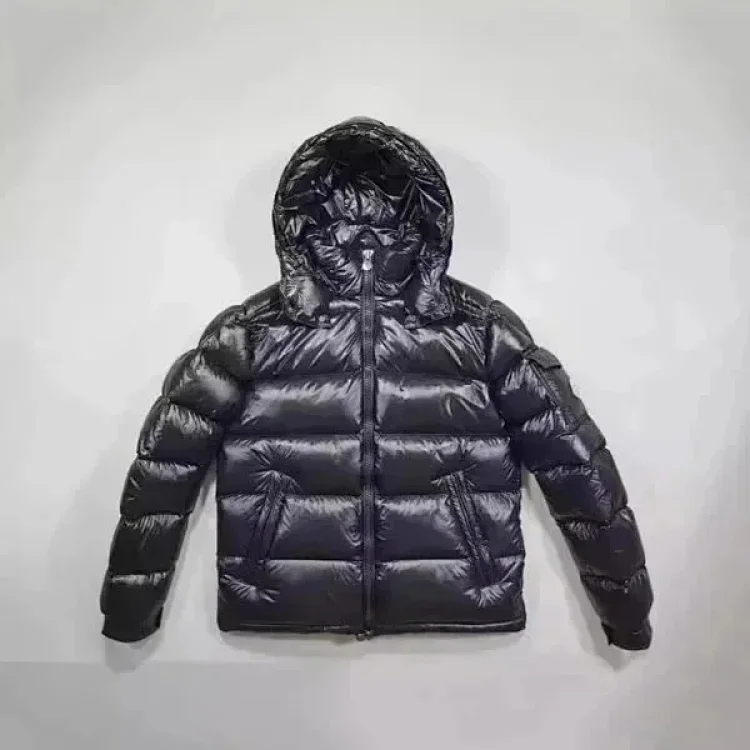
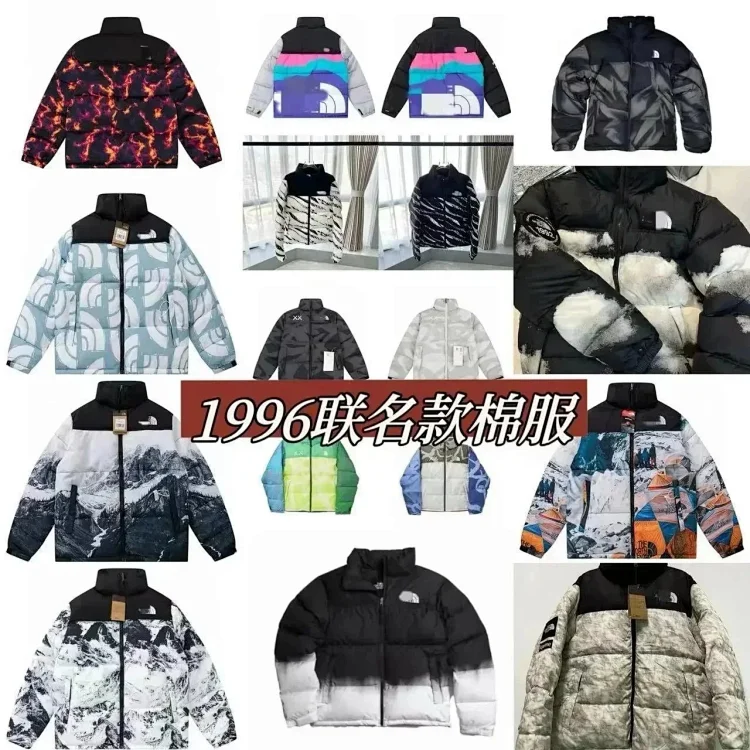
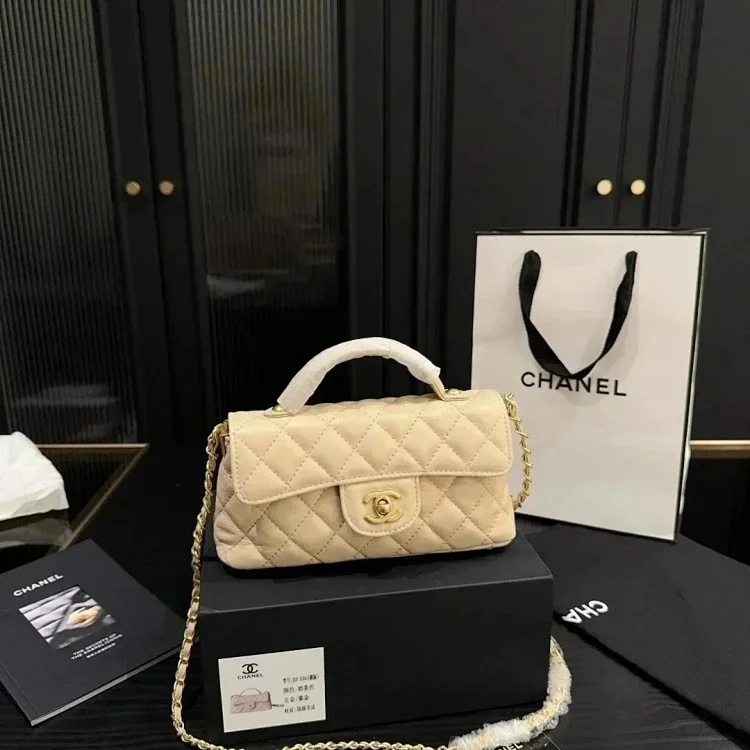
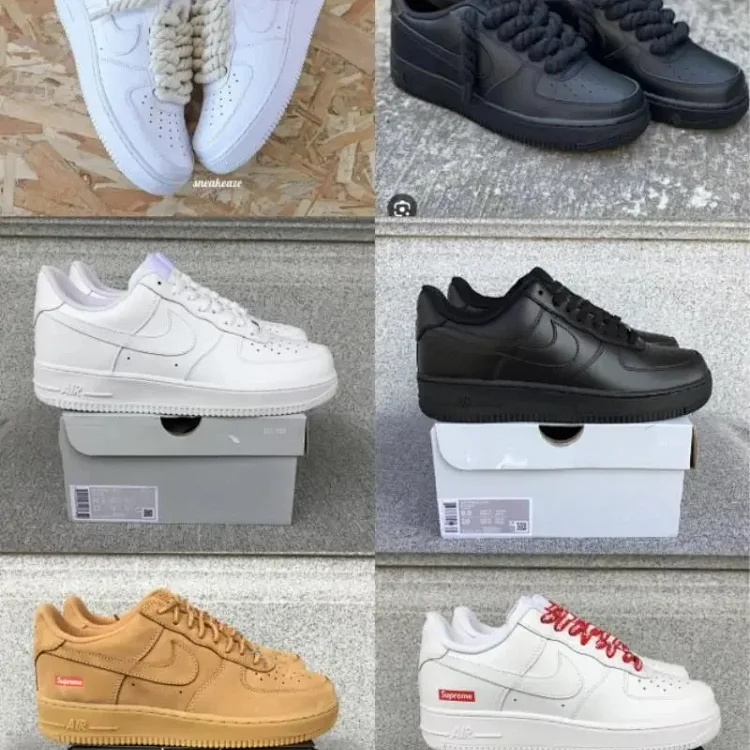
Sneakers need shape checks, sole checks, box label checks, and close-up stitching photos. Jackets need zipper, logo, pocket, fabric, and puffiness checks. Hoodies and T-shirts need print placement, collar shape, tag detail, and size chart confirmation. Bags need hardware, handle shape, lining, stitching, and overall proportions.
A spreadsheet cannot replace warehouse inspection, but it can help shoppers choose products that are worth inspecting. Items with clear listing photos and strong detail-page information usually create a smoother QC process after they arrive at the warehouse.
When to request extra photos
Ask for additional photos when the listing has only one angle, when a logo or hardware detail is hidden, when size tags are unclear, or when the item depends heavily on texture. Extra photos are especially useful for black clothing, leather bags, glossy puffers, and shoes where small shape differences are easier to miss.